0
New Blog System
Welcome to Our New Blog System We’ve made significant improvements to our blog platform to make writing and reading better. This guide explains everything you need to know as a writer contributing to our blog. What’s New on Our Blog Our blog has been completely...
Published by
Oliver
Published on
30th April 2026
Welcome to Our New Blog System
We’ve made significant improvements to our blog platform to make writing and reading better. This guide explains everything you need to know as a writer contributing to our blog.
What’s New on Our Blog
Our blog has been completely redesigned with features that make content easier to navigate, discover, and share. Here’s what we’ve implemented:
Automatic Table of Contents
Every post now includes an automatic, clickable table of contents that’s generated from your headings. When readers land on your post, they can instantly jump to any section.
How it works: Use proper heading structure (H2 for main sections, H3 for subsections), and the table of contents builds itself automatically. No manual work required.
Better Organization with Tags
Posts are now organized by tags, making it easier for readers to find content about specific topics. The blog has a dedicated archive page where readers can:
- Browse all posts
- Sort by topic or tag
- Use the search functionality
- View results across multiple pages using pagination
Featured Products & Links
You can now showcase products or link to external resources directly within your posts. These appear in styled boxes that draw attention and encourage clicks.
Social Media Integration
Videos uploaded to your posts can be styled as Instagram Reels, creating a more dynamic visual experience. These videos display with rounded corners and a mobile-friendly format.
Related Posts Section
Each post automatically displays related content at the bottom, keeping readers engaged and encouraging them to explore more of your writing.
Newsletter Signup
A newsletter signup section is included to help build your subscriber list.
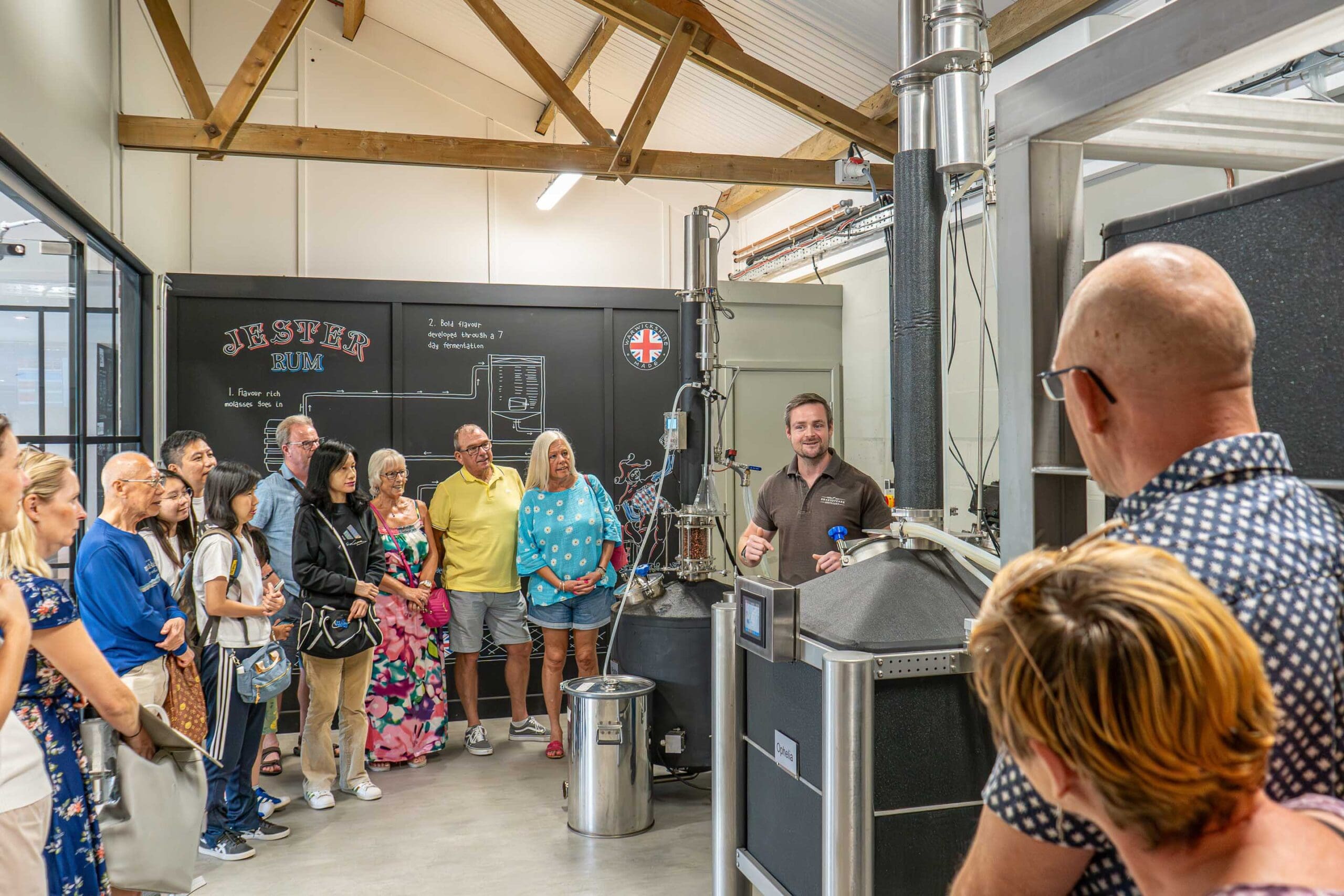
Images Styling
Images on the blog automatically receive:
- Rounded corners
- Appropriate padding
- A subtle textured edge effect
Just upload your images normally, the styling is applied automatically.

How to Add Tags to Your Post
Tags help readers find your content and organize the blog.
- In the WordPress editor, look for the Tags section in the right sidebar
- Click in the tags field
- Type your tag name (e.g., “Gin”, “Distillation”, “Behind-the-Scenes”)
- Press Enter or click “Add”
- Add 3–5 relevant tags per post
Good tags: Specific, searchable, and consistent across posts
Avoid: Creating new tags for every post; reuse existing ones when relevant
How to Add Featured Products
Featured Products appear in styled boxes with product images and prices, driving traffic to product pages.
Step 1: Find the Featured Products Section
In the WordPress post editor, scroll down on the right sidebar to find “Blog Post Links” → “Featured Products”.
Step 2: Add Products
- Click in the Featured Products field
- Start typing the product name
- Select from the dropdown that appears
- Add up to 3–5 products per post
Each product will display with:
- Product image
- Product name
- Price
- External link icon
When to use: Reference a product in your post content, then add it to Featured Products for easy discovery.
Example use case: Writing about gin botanicals? Feature your signature gin product.
How to Add External Links
You can also feature an external link or website. This appears as a styled box below Featured Products.
Step 1: Find the External Link Section
In the right sidebar, scroll to “Blog Post Links” → “External Link”.
Step 2: Fill in the Details
- External URL: Paste the full URL (e.g., https://www.example.com)
- External Link Title: The headline (e.g., “Learn More on Their Site”)
- Link Description: A brief description (2–3 sentences max)
- Link CTA: The button text (e.g., “Visit Now”, “Learn More”, “Explore”)
When to use: Reference external resources, research sources, or partner sites relevant to your post.
Example: Writing about cocktail techniques and reference a specific tool? Link to where readers can buy it. Citing research? Link to the source.
How to Style Reel Videos
Videos can be displayed as mobile-friendly reels with rounded corners and a sleek mobile frame.
Step 1: Upload Your Video
Insert the video into your post as normal.
Step 2: Add the CSS Class
- Click on the video block in the editor
- Look in the right sidebar for “Additional CSS Classes”
- Type:
social-vid - Press Enter
That’s it! The video now displays as a mobile-friendly reel.
Follow us for more behind-the-scenes distilling and new releases.
@shakespearedistillery
The Blog Archive Page
Readers can now browse all posts on a dedicated archive page. They can:
- Sort by tag: View only posts about specific topics
- Search: Find posts using keywords
- Paginate: View a few posts at a time instead of everything at once
This means every post you write is discoverable—even older ones. Write with confidence that your work will be found.
SEO Best Practices
Good SEO happens naturally when you follow these practices:
- Use proper heading structure – Search engines understand your content better with H2/H3 hierarchy
- Write descriptive headings – Include keywords naturally
- Use tags consistently – Helps with topic clustering and internal linking
- Link to related posts – Related posts section handles this automatically
- Add alt text to images – Describe what’s in images for accessibility and SEO
- Write longer content – Aim for 500+ words; it ranks better
- Use short, scannable paragraphs – Improves user experience, which search engines reward
To see the TOC structure before publishing: Click the “Document Overview” button (three horizontal lines icon) in the WordPress editor (top left), then “Outline” to view your heading hierarchy.
Checklist
Before hitting publish, run through this checklist:
- Proper heading structure (H2 main sections, H3 subsections)
- All headings are 3–8 words and descriptive
- Added 3–5 relevant tags
- Added alt text to images
- Added featured products if relevant
- Added featured external links if relevant
- Videos styled as reels (if using videos)
- Preview looks good on desktop and mobile
- Featured image is selected
Happy writing!


Inside the Distillery – Straight to Your Inbox
Sign up to be the first to hear about limited releases, exclusive offers, and behind-the-scenes stories from Shakespeare Distillery.You Might Also Like
From craft and character to history and flavour, explore more stories from our distillery.View All Posts